 Wendelin
Wendelin
Your voice stays on your phone. The language model is your choice.
Wendelin is a personal voice assistant for Android. The wake word, speech recognition and speech output run locally, and only text goes to a language model you pick, with your own API key.
Why Wendelin?
Most voice assistants send your voice to someone else’s cloud and only talk to the services their maker has picked. Wendelin turns that around: it becomes your phone’s default assistant, understands you on the device, and only the text goes to a language model of your choice (your own API key, no Wendelin server). For providers that run in a confidential environment (TEE), Wendelin checks the attestation itself before it sends anything. It runs without Google Play Services, so it also works on AOSP-based systems.
What Wendelin can do
Everything is opt-in: each integration stays off until you switch it on.
Speak instead of type
Wendelin registers as the default assistant and starts with the side key, the assistant gesture or “Hey Wendelin”. In conversation mode it keeps listening after its answer, and you can interrupt it with the wake word.
Speech stays on the device
Wake word, speech recognition (Whisper, Parakeet) and speech output run locally. Audio does not leave the phone.
A language model of your choice
Claude, OpenAI, Mistral, OpenRouter, Ollama or your own endpoint, with your own API key. No Wendelin server in between.
Verified confidential providers
For providers with confidential execution (Phala, NEAR AI, Tinfoil) Wendelin verifies the attestation, and the GPU proof on request, before it sends data.
Everyday integrations
Home Assistant, Spotify, media control, contacts, calls and SMS, navigation, calendar, alarms and timers, tasks (Todoist, Google Tasks), weather, shopping lists (Bring!), Obsidian notes, plus your own MCP and HTTP tools.
Security in levels
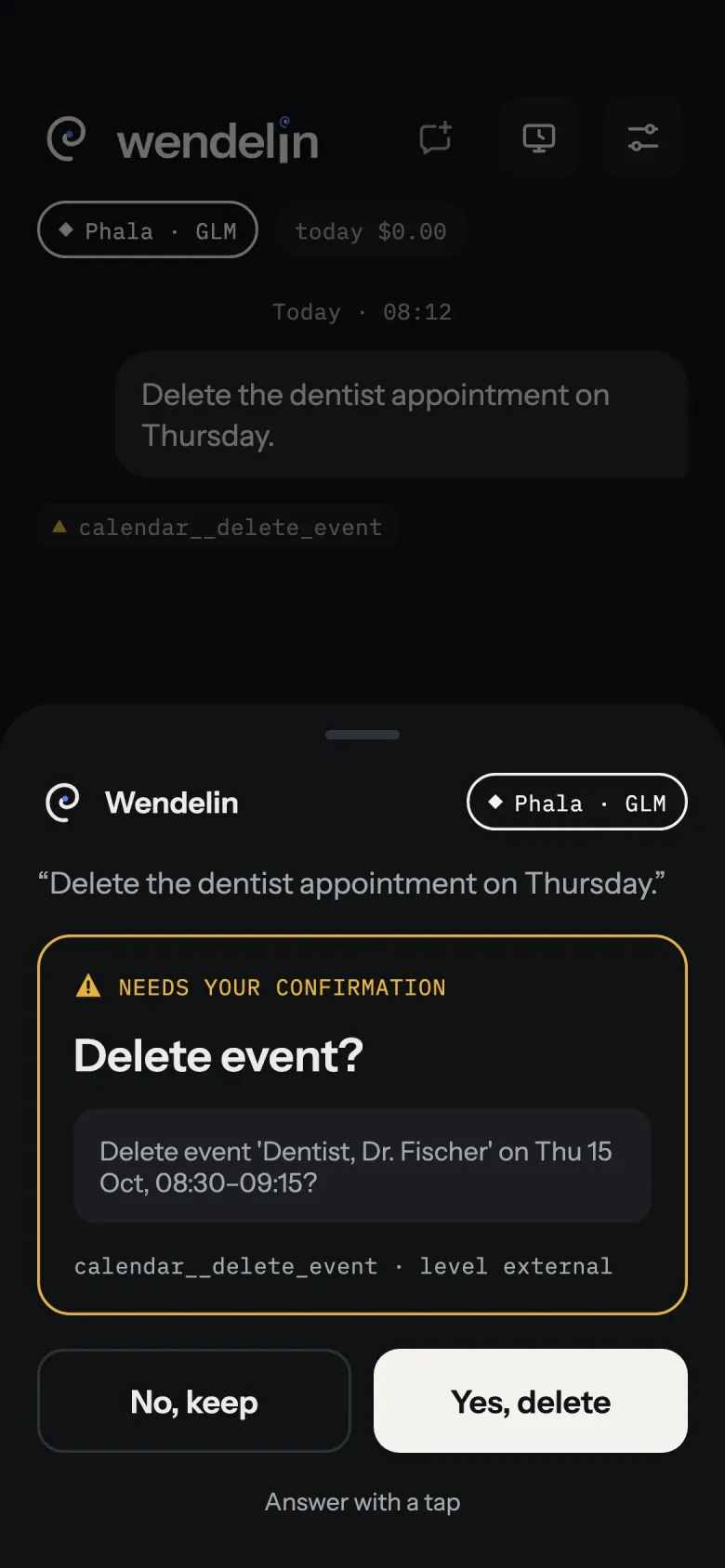
Every tool gets a level from A to D that decides what is allowed while the phone is locked. Risky actions always ask first, and changes can be undone briefly.
Useful while locked
A locked phone shows the request and the answer, but no history. Contacts are handed out field by field, and when you navigate to a contact, the address stays on the device.
Audit log on the device
Every request, tool call and attestation result is logged locally and can be exported or deleted.
See it in action
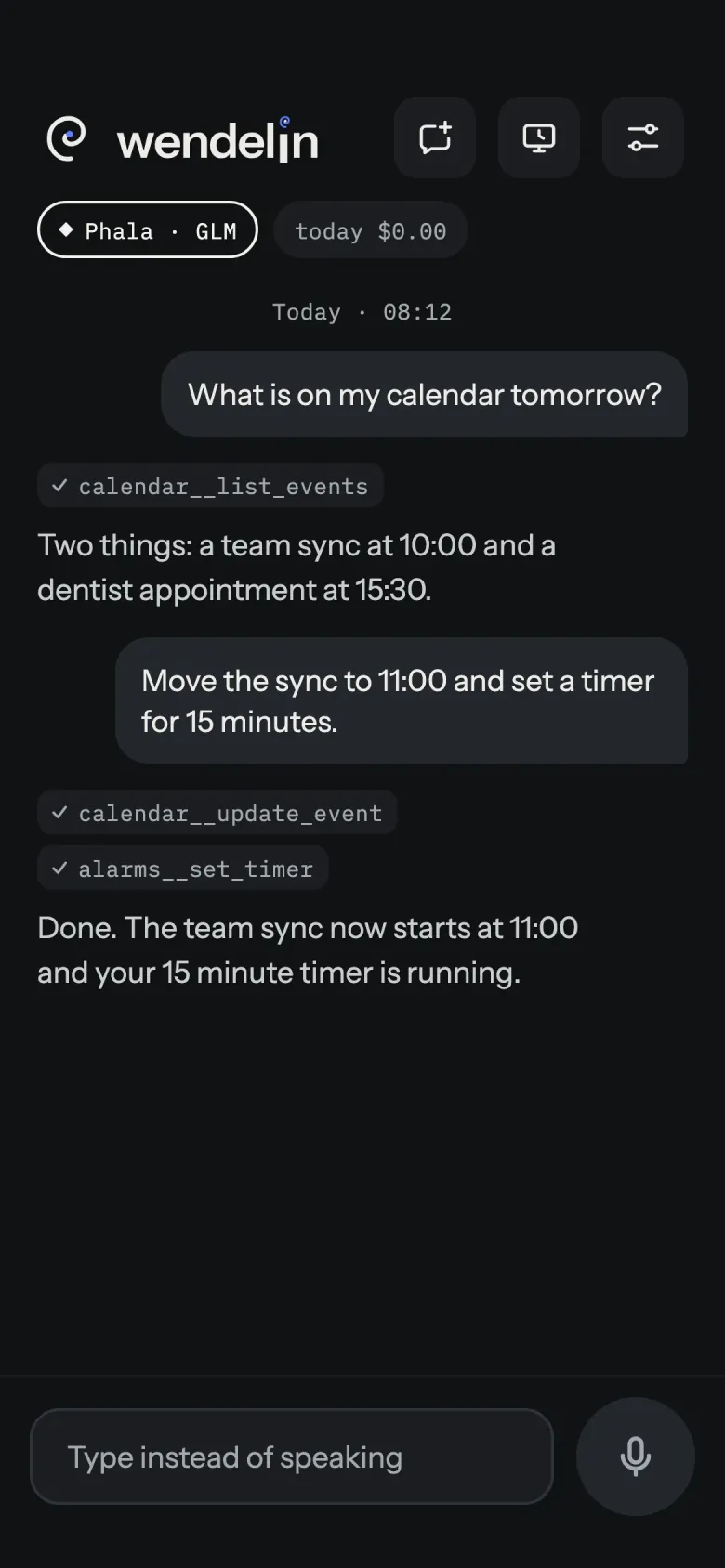
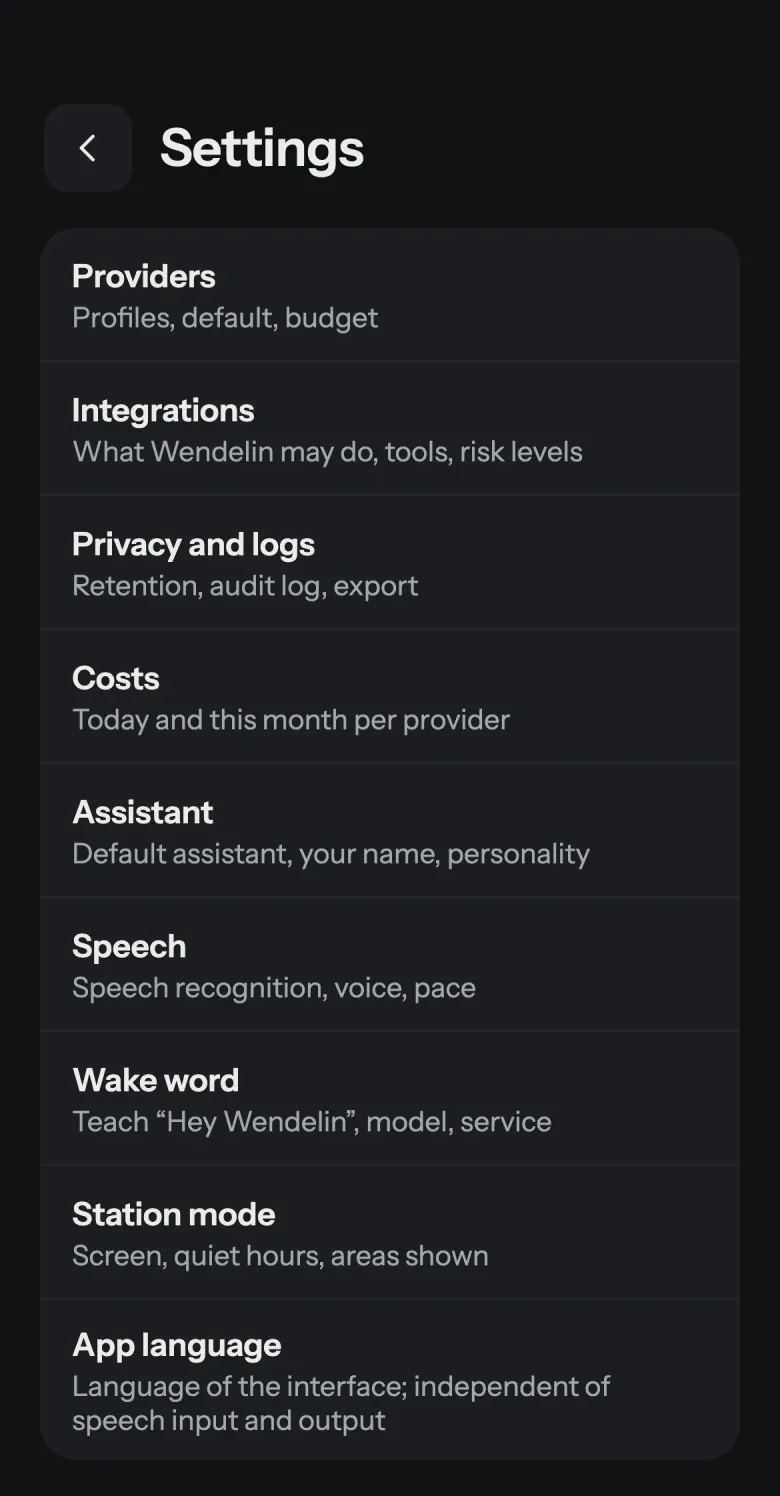
Screens of the current version (English interface, invented sample content). Tap one to see it larger.
Install
Requirements: Android 10 or later. Google Play Services are not needed.
- Download
wendelin-<version>.apkandSHA256SUMSfrom the latest release and install the APK (allow installing from this source when Android asks). - Verify it (recommended): compare the checksum with
SHA256SUMSand the signing certificate with the fingerprint published in the release notes and in the README. - Android 13 and later: for an APK installed outside a store, Android blocks SMS and notification access at first. Choose Allow restricted settings in the app info (menu with three dots); Wendelin shows these steps when they are needed.
Getting started
- Open Wendelin and follow the onboarding. Grant the microphone permission; the speech models are downloaded in the app.
- Set up a provider (Settings > Providers): pick a template, enter your API key and run the connection test.
- Make Wendelin your default assistant and switch on “Hey Wendelin” if you want hands-free use.
- Switch on the integrations you want and grant the permissions each one asks for. Then say, for example: “Hey Wendelin, set a timer for ten minutes.”
FAQ
Is Wendelin free?
Yes. It is open source under the GPL-3.0-or-later, with no ads, no subscription and no account. A language-model provider you choose may charge for its own API.
Does my voice leave the phone?
No. Wake word, speech recognition and speech output run on the device with the local engines. Only the transcript, the system prompt, selected memory entries and tool descriptions and results go to the language-model provider you chose.
Does Wendelin connect to the internet?
Only for what you set up: your language-model provider, the integrations you switch on, the verification endpoints of confidential providers, and the one-time download of the speech models. There is no analytics, no telemetry and no Wendelin server. Every connection is listed in the privacy policy.
Which systems are supported?
Android 10 or later. Google Play Services are not needed, so AOSP-based systems work as well. iOS is not supported.
Which languages are available?
The interface is available in German, English and French.
How can I help?
Report bugs, suggest features or translate: see CONTRIBUTING.md.